
To rank higher in local search and Google Maps, claim and verify your Google Business Profile, complete every section, choose accurate categories, add real photos, post regular updates, earn and respond to genuine reviews, keep your name, address and phone number consistent everywhere, optimise your website for local keywords, build local links and track your results. Google ranks local businesses on three factors: relevance, distance and prominence.
When people search for “restaurants near me,” “dentist in Andheri” or “boutique hotel in Udaipur,” Google shows a map with a few top businesses, known as the Local Pack. Appearing there can bring a steady flow of calls, visits and enquiries, often from customers ready to buy.
This local SEO checklist walks you through 12 practical steps to optimise your Google Business Profile (formerly Google My Business, or GMB), strengthen your local presence and outrank nearby competitors.
Why Local SEO Matters
- More visibility in Google’s Local Pack and Maps
- More trust, as reviews and complete profiles reassure customers
- Higher conversions, since local searchers often want to buy or visit soon
- A competitive advantage over local businesses that haven’t optimised
- Long-term results that keep bringing customers without paying for every click
How Google Ranks Local Businesses
Google uses three main factors to rank local results:
- Relevance: how well your profile matches what someone is searching for
- Distance: how close your business is to the searcher or the location they searched
- Prominence: how well known your business is, based on reviews, links, mentions and your overall web presence
You can’t change your location, but you can improve relevance and prominence, which is what this checklist covers.
The 12-Step Local SEO Checklist
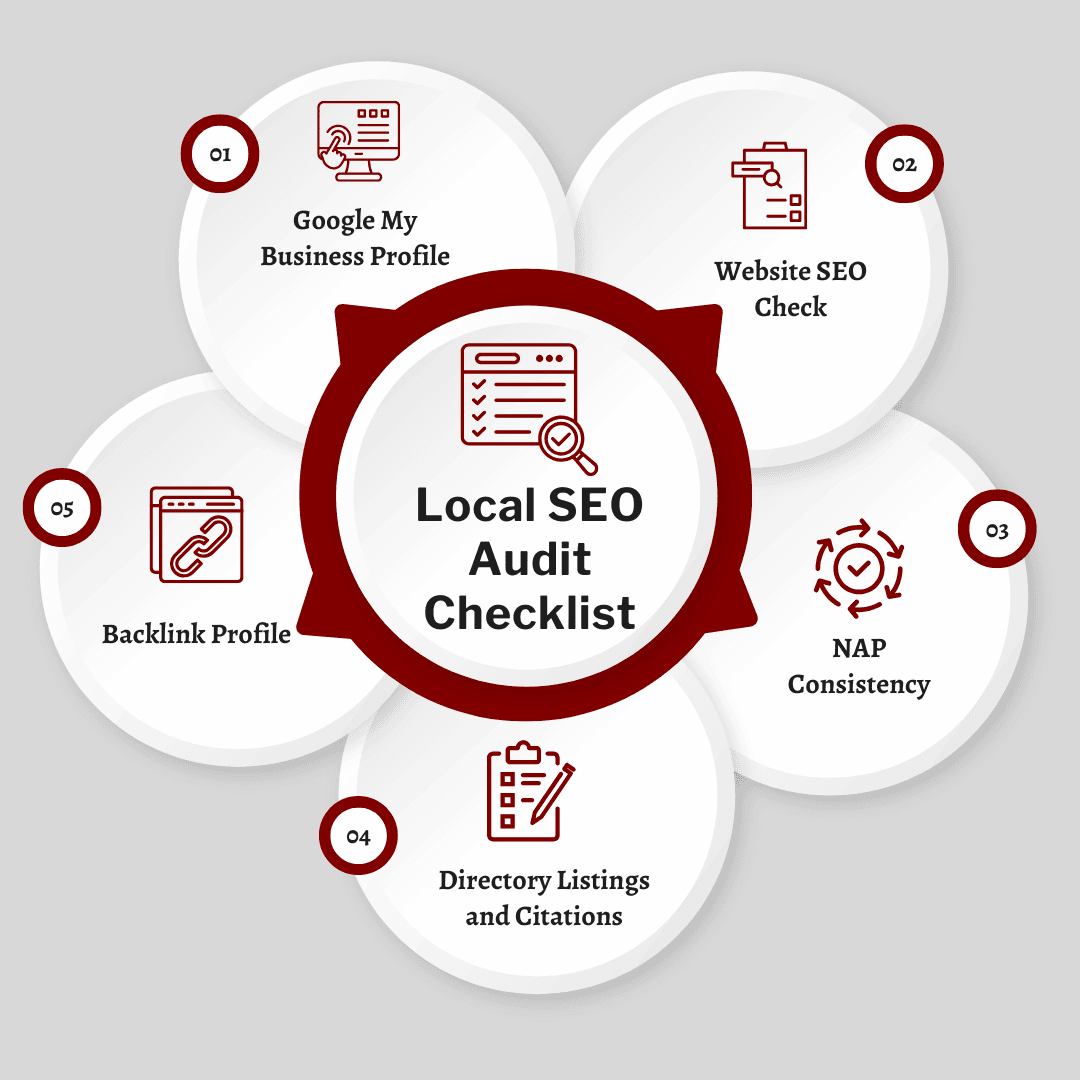
Step 1: Run a Local SEO Audit
Before making changes, review where you stand:
- Is your Google Business Profile claimed, verified and complete?
- Is your website mobile-friendly, fast and optimised for local keywords?
- Are your business name, address and phone number (NAP) identical everywhere?
- Are you listed on the main directories for your country and industry?
- Do you have links from local websites, such as news sites or community blogs?
- How do your reviews compare with your top competitors’?
Step 2: Claim and Verify Your Google Business Profile
Search for your business on Google or Google Maps and claim your profile, or create one if it doesn’t exist. Complete Google’s verification process, which may involve a video, phone call, text or email, depending on your business. Only verified profiles appear reliably in local results.
Step 3: Complete Every Section of Your Profile
- Business name: use your real business name only, exactly as it appears on your signage and documents
- Address or service area: add your address, or set a service area if you serve customers at their location
- Phone number and website: make sure both are correct
- Hours: include regular and special holiday hours
- Primary category: choose the one that best describes your main business
- Secondary categories: add others that genuinely apply
- Attributes: add relevant details, such as wheelchair accessibility or free Wi-Fi
- Products and services: list what you offer, with clear descriptions
- Business description: explain what makes your business special, naturally including what you do and where
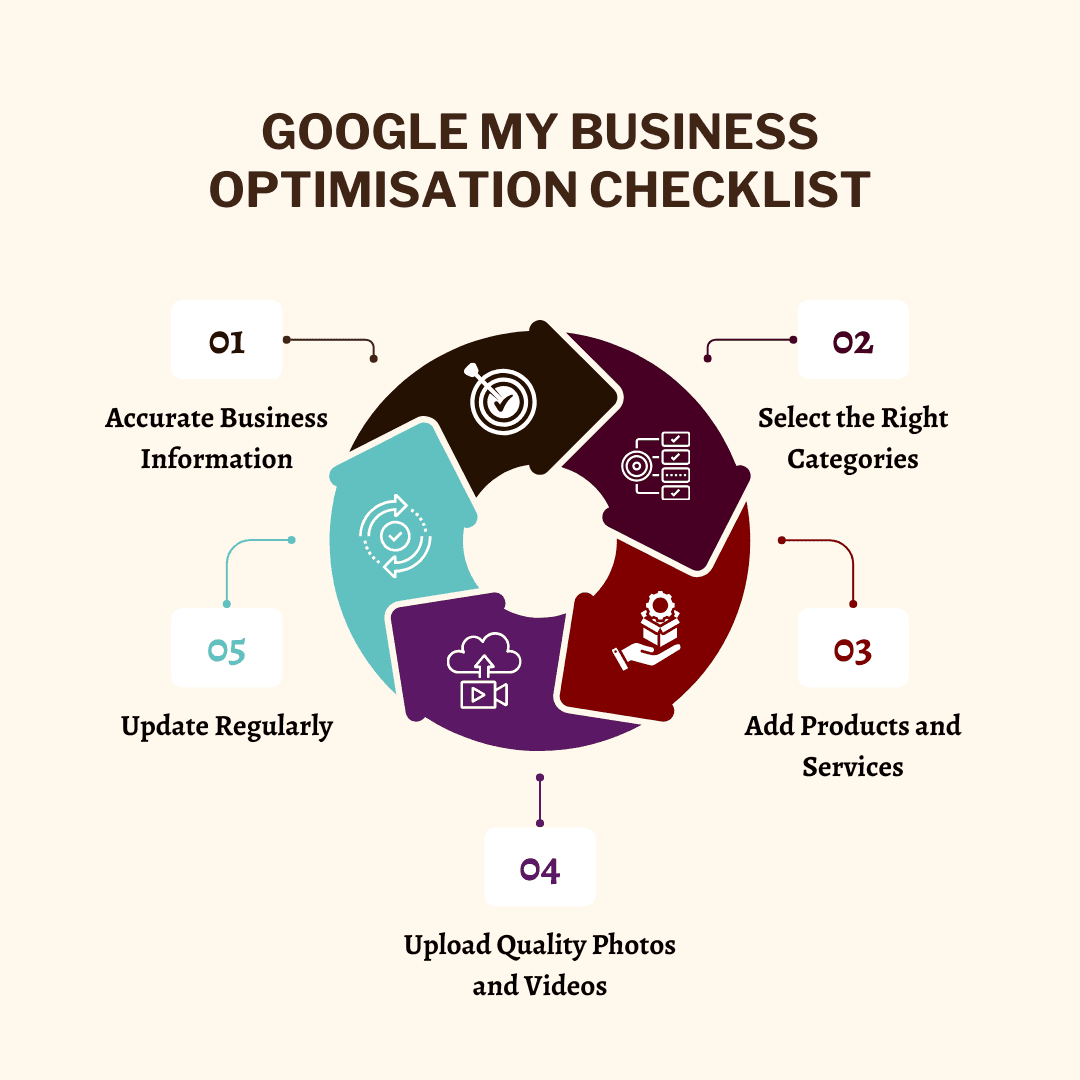
Step 4: Add Quality Photos and Videos
Real photos help customers choose you, which drives clicks, calls and visits.
- Add your logo and a cover photo
- Show your storefront, interior, team, products and work
- Add short videos where relevant
- Upload new photos regularly
- Avoid stock images
Step 5: Post Regular Updates
Use Business Profile updates to share offers, events, new products and news. Regular posts keep your profile active and give customers more reasons to choose you. Add UTM parameters to links in your posts, so you can track visits from your profile in Google Analytics.
Step 6: Earn and Respond to Reviews
Reviews are one of the strongest local ranking signals and a major factor in customer decisions.
- Ask every happy customer for a review soon after their visit or purchase
- Share a direct review link by WhatsApp, email or QR code
- Respond to every review, thanking positive reviewers and addressing negative feedback calmly and helpfully
- Show reviews on your website to build trust
Never:
- Buy fake reviews
- Offer discounts or gifts in exchange for reviews
- Ask only happy customers to review while steering unhappy ones elsewhere (“review gating”)
These practices break Google’s policies and can lead to removed reviews or a suspended profile.
Step 7: Keep NAP Consistent and Build Citations
A citation is any online mention of your business name, address and phone number. Consistent citations help Google trust your information.
Key listings for India:
- Google Business Profile
- Bing Places and Apple Business Connect (for Apple Maps)
- Justdial, IndiaMART and Sulekha
- Facebook and Instagram business profiles
- Industry platforms, such as TripAdvisor and MakeMyTrip for hotels, Zomato and Swiggy for restaurants or Practo for clinics
Action steps:
- Claim and update every existing listing
- Use exactly the same name, address and phone number everywhere
- Fix or remove duplicate listings
- Use tools such as BrightLocal to find and manage citations
Step 8: Optimise Your Website for Local Search
- Include your city or area in key page titles, headings and meta descriptions, for example “Boutique Hotel in Udaipur” or “Dental Clinic in Andheri West”
- Create a dedicated page for each location or service area, with genuinely unique content
- Show your NAP in the footer or on your contact page
- Embed a Google Map on your contact page
- Add LocalBusiness schema with your name, address, phone number and opening hours
Step 9: Make Your Website Fast and Mobile-Friendly
Most local searches happen on phones, often when people are nearby and ready to act.
- Use a responsive design that works on every screen
- Make your phone number tap-to-call
- Keep pages fast, with Core Web Vitals in the “good” range
- Make directions, hours and contact details easy to find
Step 10: Build Local Links
Links from relevant local websites strengthen your prominence:
- Partner with nearby businesses for mutual promotion
- Sponsor or take part in local events
- Get featured in local news, community blogs and industry associations
- Join your local chamber of commerce or business associations
Step 11: Create Locally Focused Content
- Write about local events, news and guides relevant to your business
- Create neighbourhood or city guides your customers will find useful
- Collaborate with local creators and influencers
- Answer the questions local customers ask most
Step 12: Track Your Results
Reviews: count, average rating and response rate over time
Business Profile performance: views, searches, calls, direction requests and website clicks
Google Analytics 4: local traffic and conversions, using UTM links from your profile
Local rankings: track your positions for key local keywords with tools such as Semrush, BrightLocal or Local Falcon, which show how you rank across different parts of your area
Local SEO for Voice and AI Search
More people now search by voice and ask AI tools for local recommendations, for example “best South Indian restaurant near Bandra open now.”
- Target natural, question-based searches
- Keep your hours, services and attributes up to date
- Build strong reviews, since AI answers often draw on them
- Add LocalBusiness schema to your website
- Keep your information consistent across every platform
Common Local SEO Mistakes to Avoid
- Adding keywords to your business name, such as “Sharma Dental Clinic Best Dentist in Mumbai.” It breaks Google’s guidelines and can get your profile suspended.
- Using a virtual office or PO box as your address
- Creating duplicate profiles for the same location
- Fake or incentivised reviews
- Inconsistent business details across directories
- Ignoring negative reviews
- Leaving your profile untouched for months
When to Work With a Local SEO Agency
If local SEO feels overwhelming, a specialist agency can save time and deliver faster results. Look for:
- A proven track record, with local SEO case studies and testimonials
- Complete services, including Business Profile optimisation, citations, reviews and local content
- Tailored strategies for your industry and location
- Clear reporting on calls, directions, website visits and enquiries
Frequently Asked Questions
How do I rank higher on Google Maps?
Complete and verify your Google Business Profile, choose accurate categories, add real photos, post updates regularly, earn genuine reviews and respond to them, keep your business details consistent everywhere and build local links and content.
Is Google My Business the same as Google Business Profile?
Yes. Google renamed Google My Business to Google Business Profile in 2021. Many people still call it GMB, but it’s the same free listing that appears in Google Search and Maps.
How many reviews does my business need?
There’s no fixed number, but more recent, genuine reviews help. Aim to match or exceed your top local competitors, and focus on earning new reviews steadily rather than all at once.
Can I add keywords to my business name on Google?
No. Your business name on Google must match your real-world name. Adding extra keywords or locations breaks Google’s guidelines and can lead to your profile being suspended.
How long does local SEO take to work?
Simple fixes, such as completing your profile, can improve visibility within a few weeks. Stronger, lasting results from reviews, citations, links and content usually build over three to six months.
How do I choose the best SEO company in Mumbai for local SEO?
Look for an agency with local SEO case studies in your industry, clear reporting on calls, directions and enquiries, ethical practices and experience with both Google Business Profile and your website. The best SEO company in Mumbai for local SEO will set realistic expectations and never use fake reviews or keyword-stuffed business names.
Conclusion: Stay Ahead With Consistent Local SEO
Local SEO isn’t a one-time task. It needs regular attention. Keep your Google Business Profile complete and active, earn and respond to reviews, keep your details consistent and track your results to keep improving. Follow this local SEO checklist, and you’ll build stronger rankings, more customer trust and steady growth.
Need Help With Local SEO?
City & Talent helps businesses across Mumbai, Delhi and Dubai rank higher in local search and Google Maps, from Business Profile optimisation and citations to reviews and local content. If you’re looking for the best SEO company in Mumbai to grow your local visibility, get in touch with our team.